Countdown icons
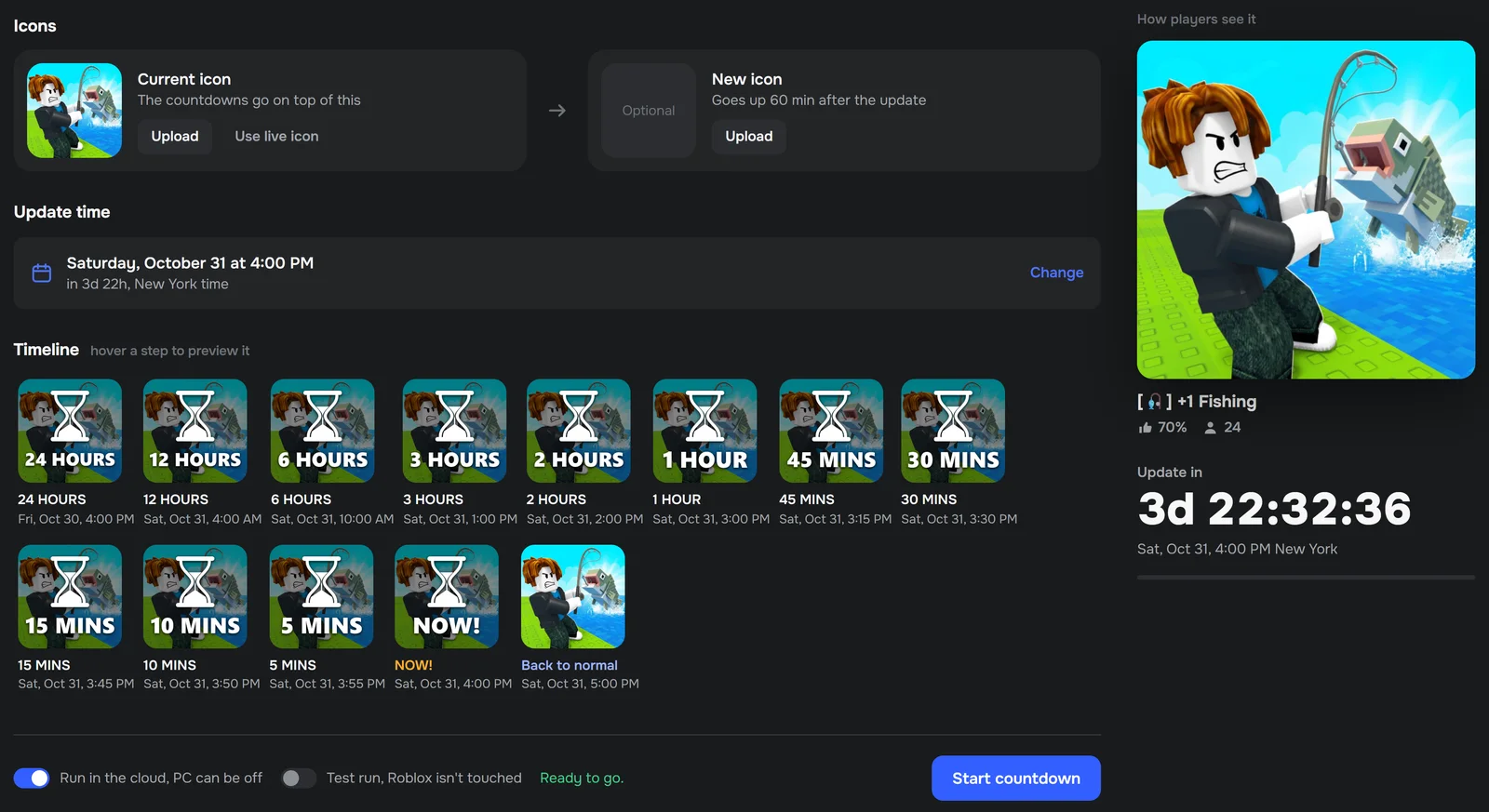
Pick the update time and the app makes every picture for you, from 24 HOURS down to 5 MINS and NOW!, on top of your own icon. After the admin-abuse hour your new icon goes up.
 RoUpdater
Plan your Roblox update once. Your game icon and name count down, the sale starts and ends on time, and the event is up. All on its own.
Launch offer for the first 24 hours. One-time payment, no subscription.
$49.99one-time payment
For Windows 10 and 11. One license per PC. Checkout and invoice by Polar.
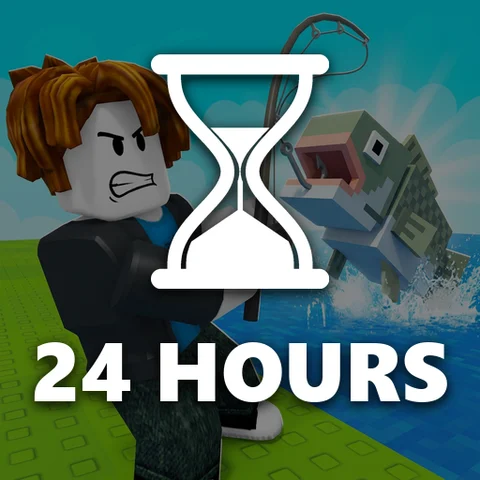
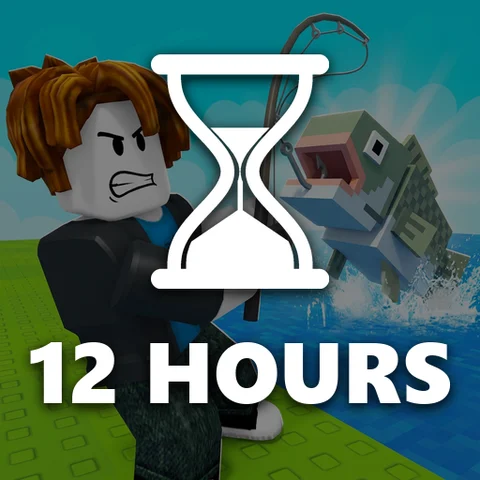
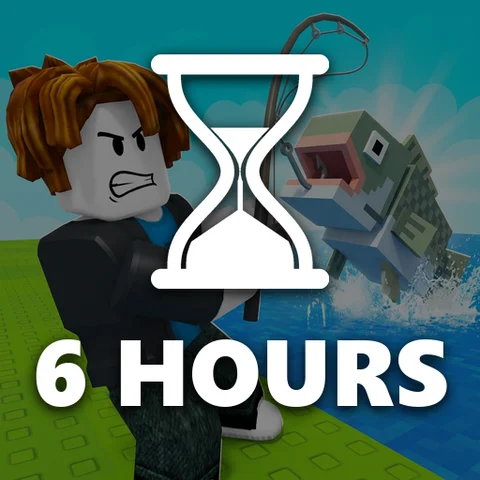
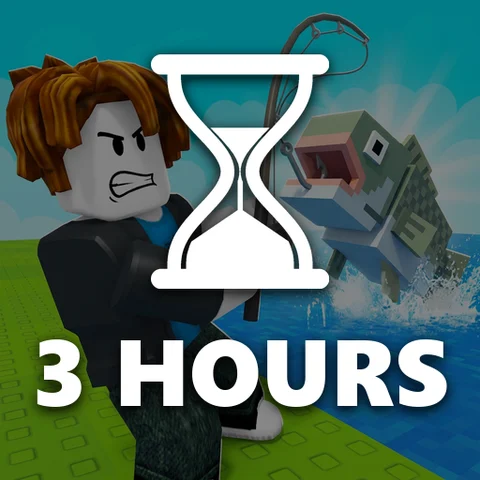
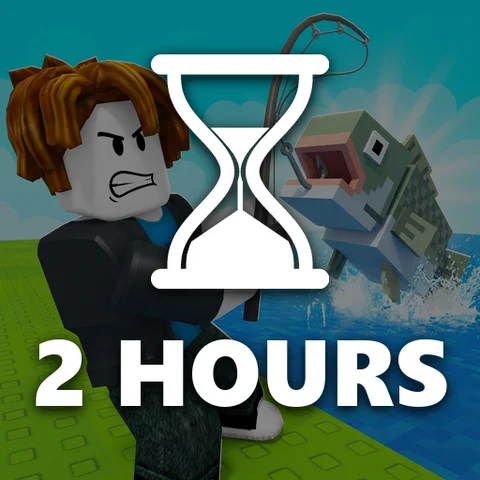
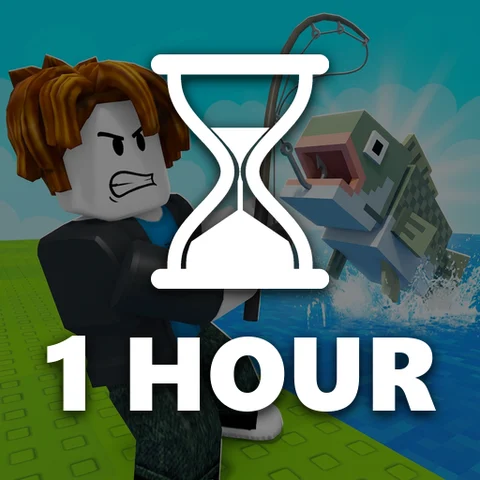
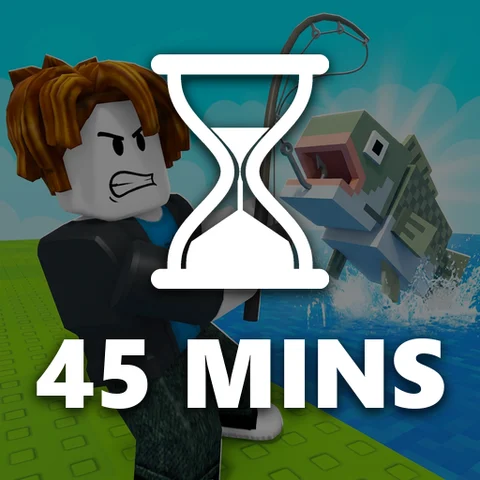
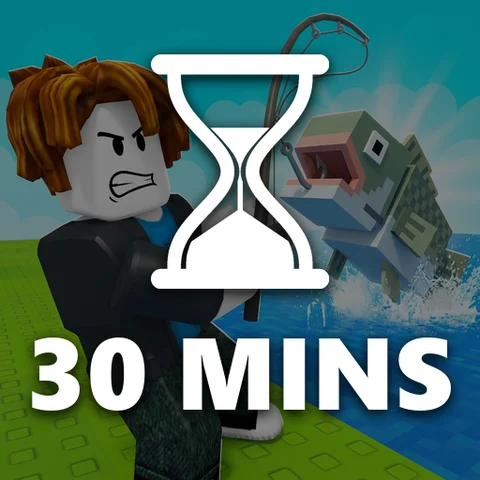
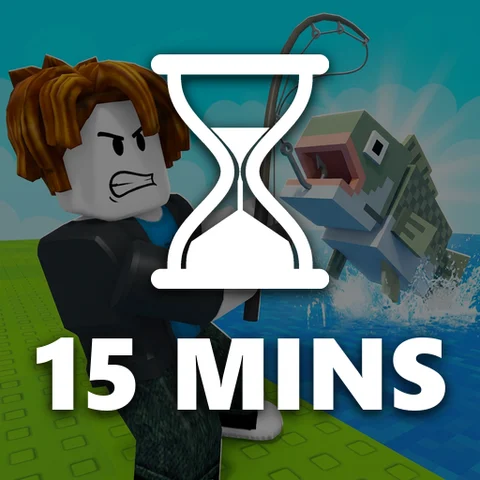
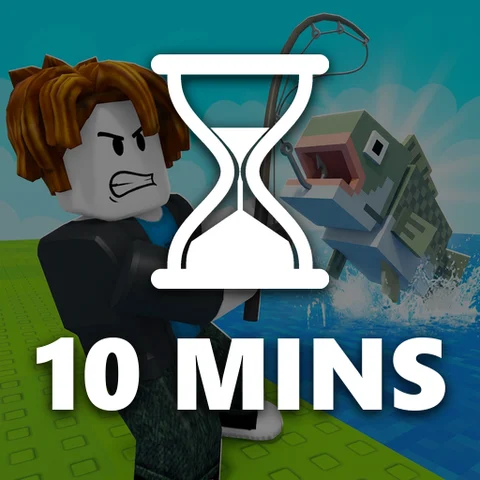
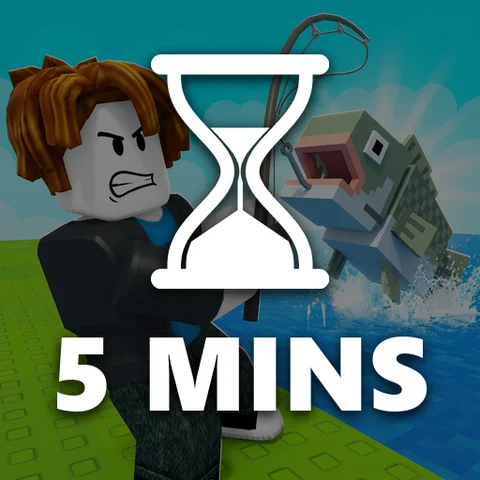
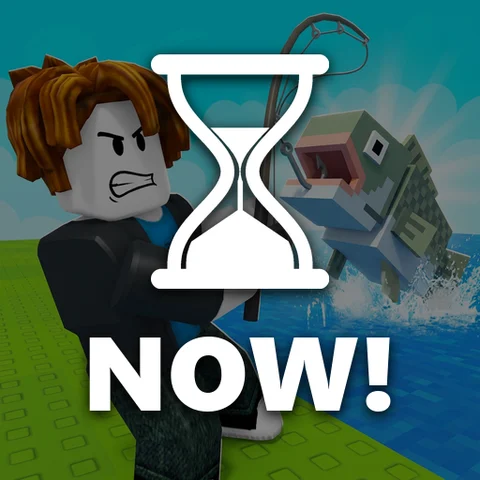
Pick the update time and the app makes every picture for you, from 24 HOURS down to 5 MINS and NOW!, on top of your own icon. After the admin-abuse hour your new icon goes up.
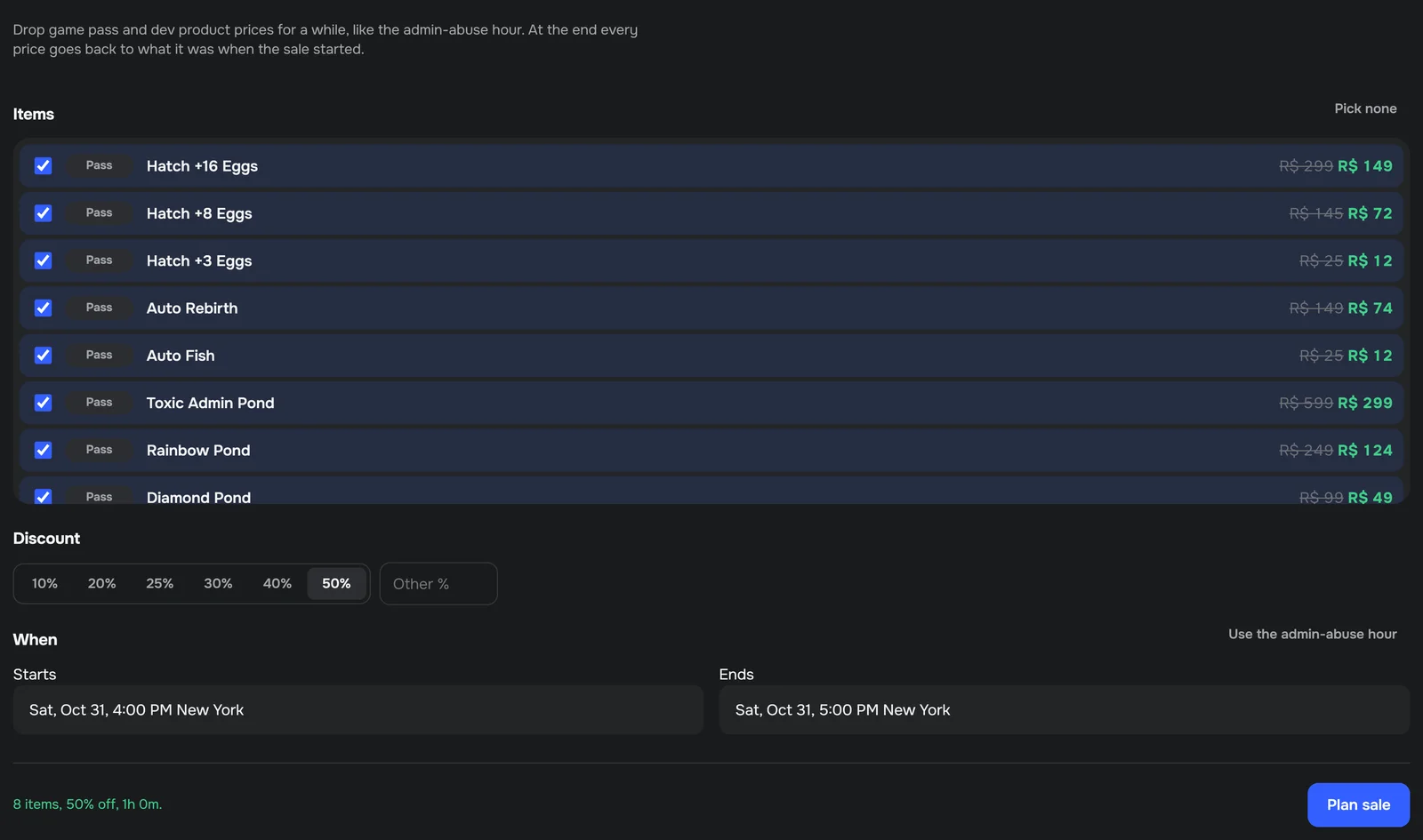
Drop game pass and developer product prices for the admin-abuse hour or any time you pick. At the end every price goes back to exactly what it was.
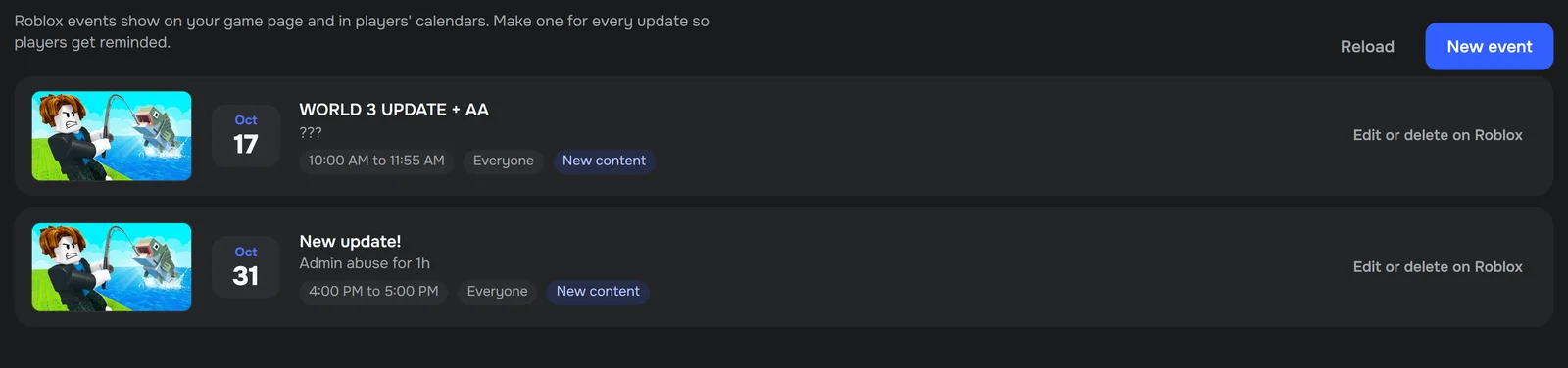
Create the event for your update with its thumbnail. One click fills it in from your countdown.
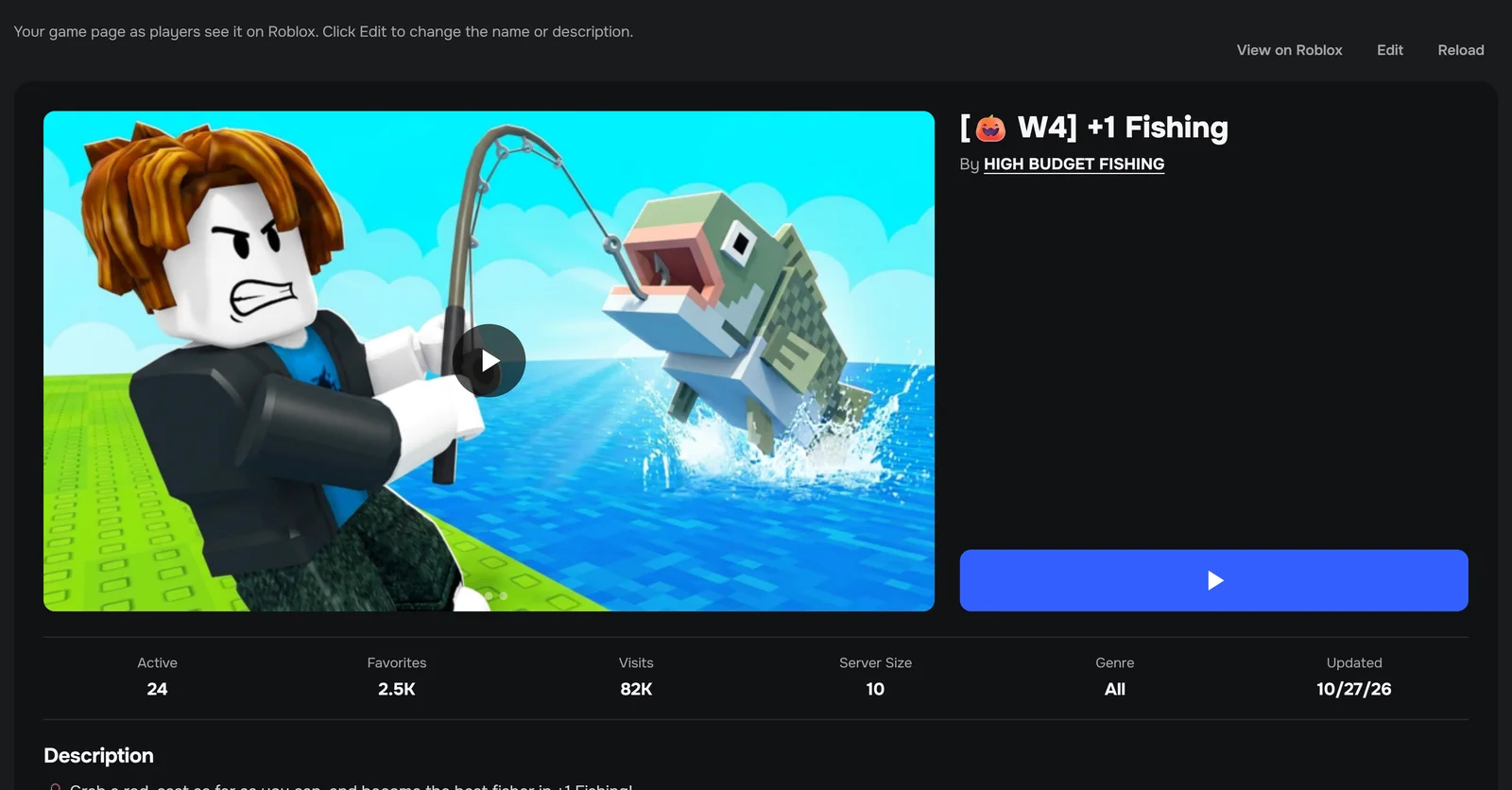
See your page the way players do, trailer included, and change the name and description. You see the old and new text before anything is saved.
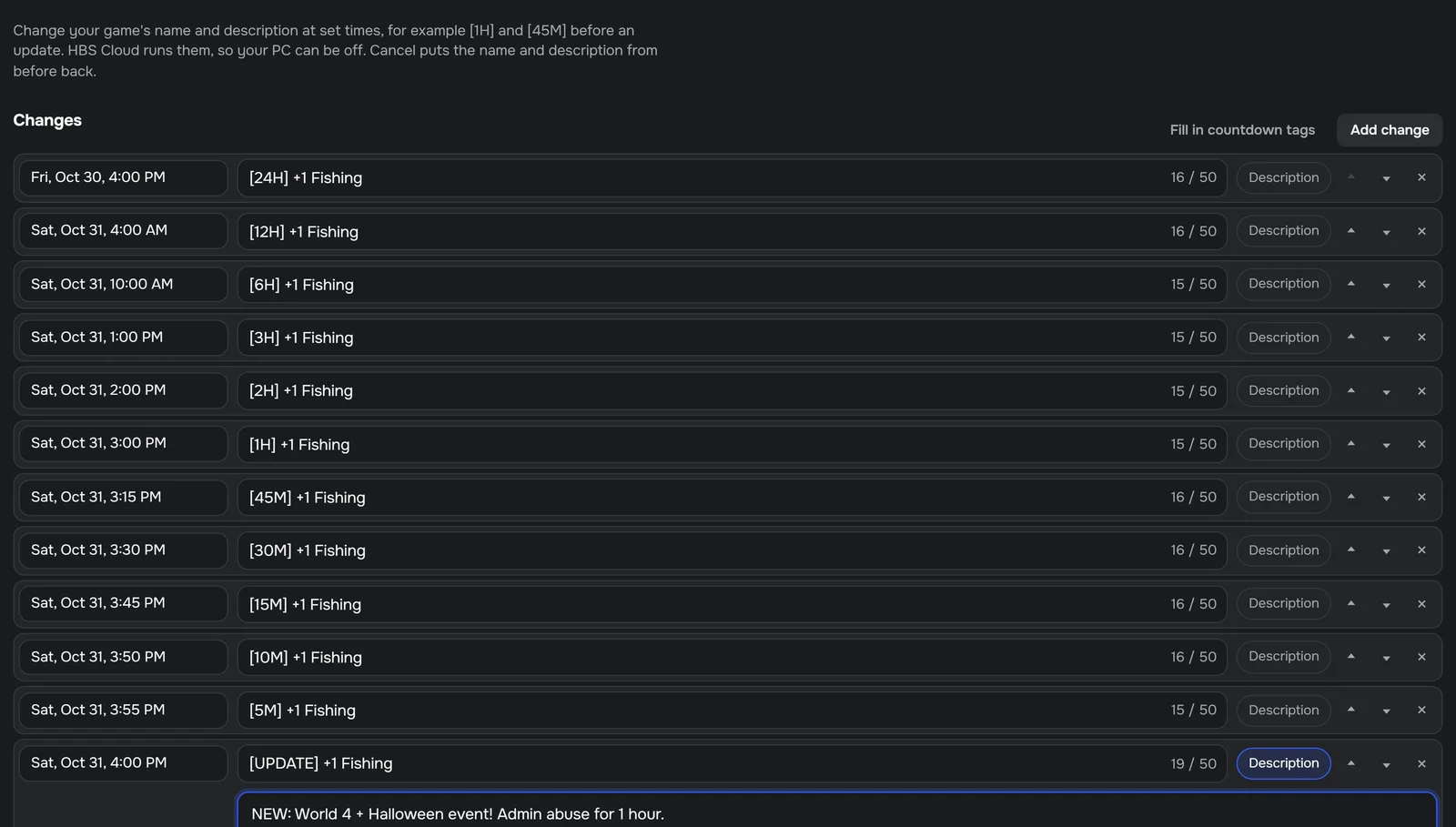
Coming with Connect with Roblox (waiting for Roblox's approval): schedule your game's name and description, for example [1H] and [45M] before an update, then [UPDATE]. Fill in countdown tags with one click or write your own. Cancel puts the old name back.
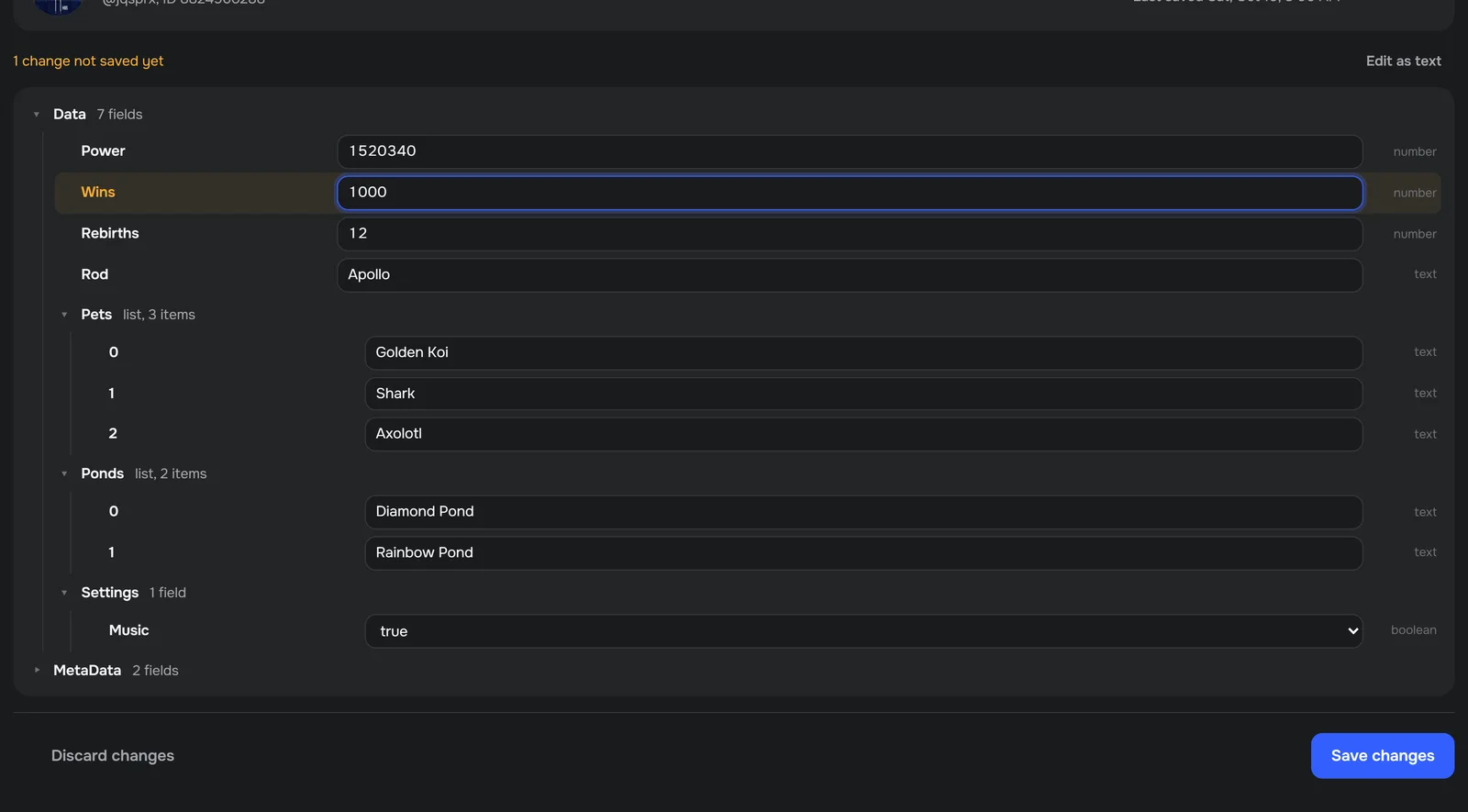
Look up a player's save and fix it, for example items they lost. Every change shows what it does first and keeps a backup.
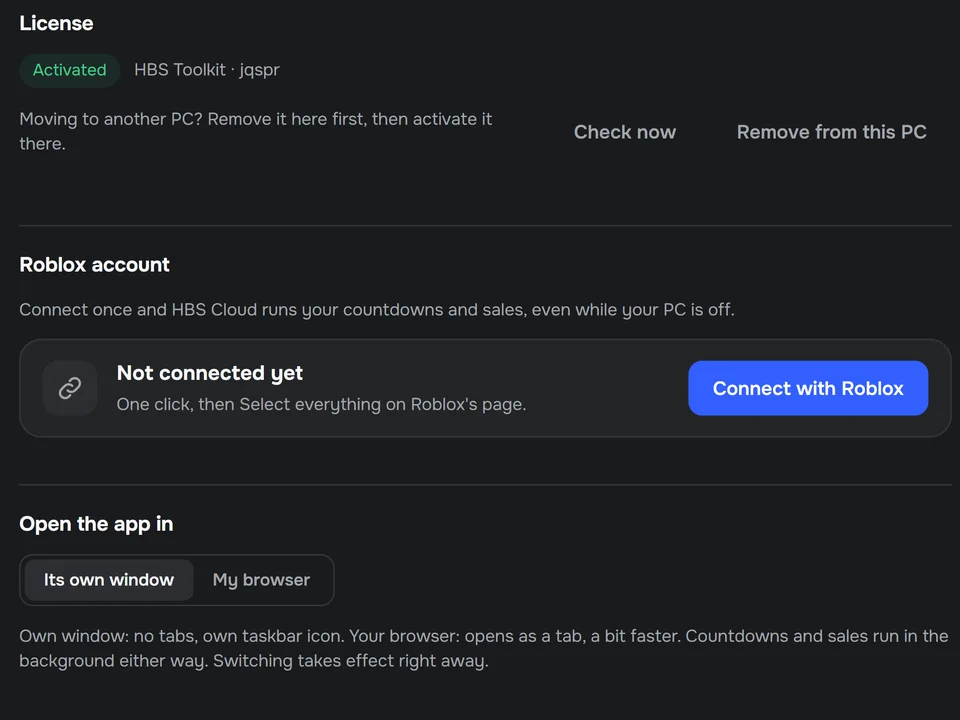
Paste the key from your order email.
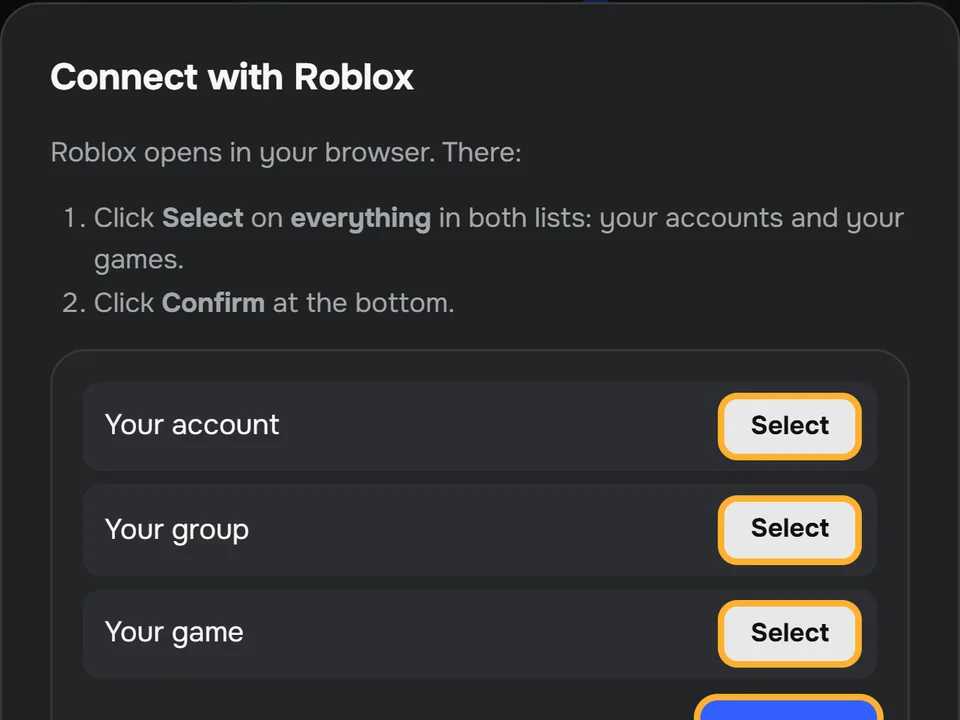
The app shows every click in Creator Hub (about two minutes). No password goes to us.
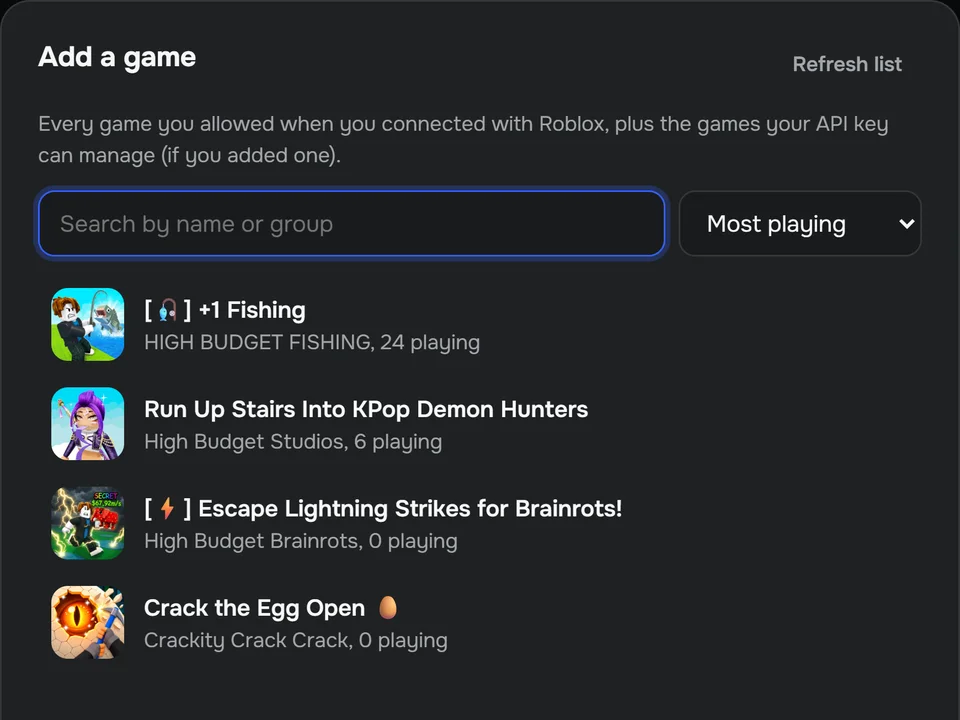
Your games are listed. Click one and plan the update.
Countdown icons can already run with your PC off on your own free Cloudflare account: the app sets it up for you with one token. Sales run from your PC for now; name changes come with Connect.
Coming soon: connect your Roblox account once and everything runs with your PC off, no Cloudflare needed. It is waiting for Roblox's approval and comes as a free update.
The app never asks for your Roblox password. It works with an Open Cloud API key that you make yourself in Creator Hub, with only the permissions the app needs. The key stays on your PC and is only ever sent to Roblox, never to us. You can delete it on Roblox any time.
For countdown icons, yes: the app sets them up on your own free Cloudflare account with one token, and for each countdown your key goes to your own account, never to us. Sales run from your PC for now. Coming soon as a free update: connect your Roblox account once on Roblox's own page, then everything runs with your PC off and name changes unlock. It is waiting for Roblox's approval.
Not yet. RoUpdater runs on Windows 10 and 11.
Yes. Remove the license in the app's settings, then activate the same key on the new PC.
Polar sells RoUpdater for us as merchant of record. Payment, taxes, invoices and refunds follow Polar's terms.
$49.99one-time payment
Questions or a problem: info@highbudgetstudios.com. Read the privacy policy and the terms of use.
RoUpdater is made by High Budget Studios and is not affiliated with, sponsored by or endorsed by Roblox Corporation. Roblox is a trademark of Roblox Corporation.